
Where to download the Claude Desktop Russian language pack
Claude Desktop RU is a community language pack for Windows. The October 28, 2026 release targets Claude Desktop 4.29.0 from the Microsoft Store (MSIX). Check the release notes if you have a different version.
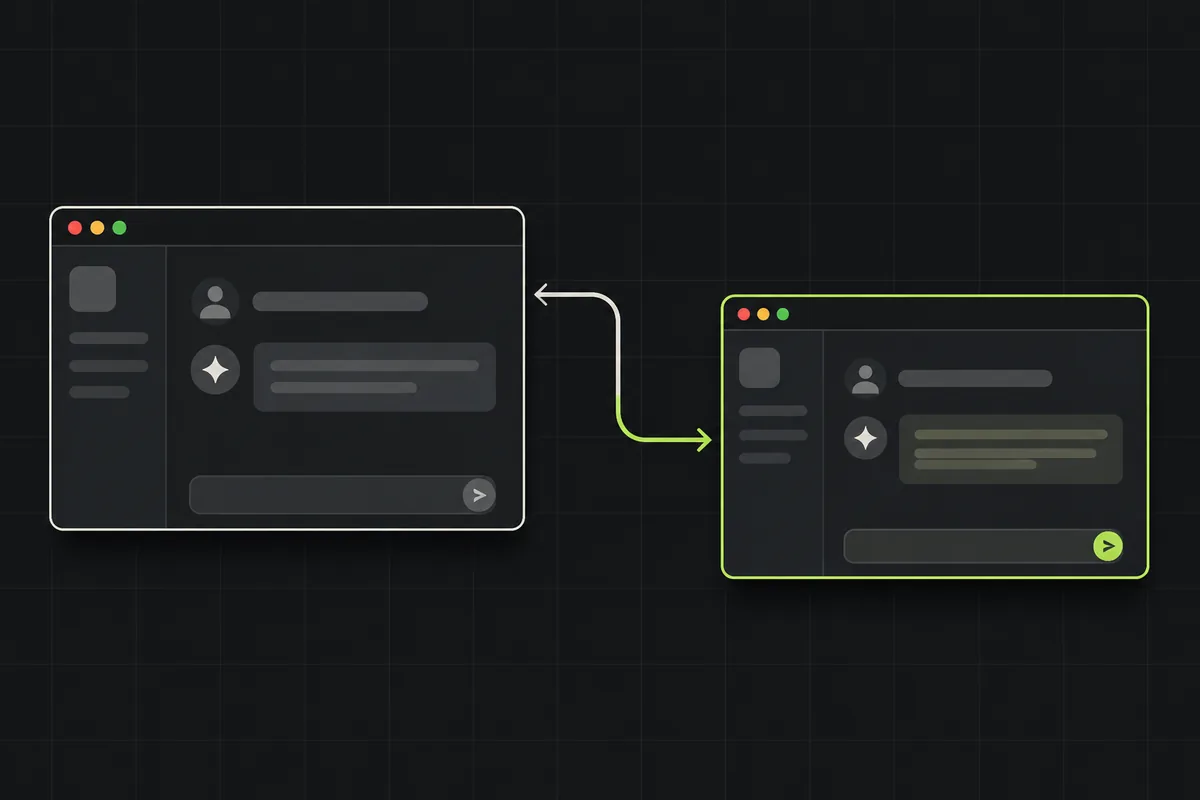
How to switch Claude Desktop to Russian
- Match your installed Claude Desktop version to the language pack release notes. If you need the original app, start with the official download. Claude Desktop download from Anthropic
- Follow the author’s instructions for the matching release. The pack creates a Claude-RU folder. Launch the copy using the method documented for that release.
- In the copy, open Settings → Language and select Russian if it was not selected automatically.
Translation coverage and updates
The author reports translating about 98.5% of the interface strings in version 4.29.0 using machine translation with manual corrections. Some menu items and server-supplied text may remain in English.
If the Microsoft Store updates Claude Desktop, check language pack compatibility before reinstalling. You can still open the Store app with its own profile from the Start menu.
Frequently asked questions
Does Anthropic offer a Russian Claude Desktop interface?
As of November 23, 2026, Anthropic does not list Russian as an interface language. Claude Desktop RU adds a Russian interface on Windows. Supported languages in Anthropic’s help center
Can Claude understand Russian?
Yes. You can ask Claude questions in Russian and get Russian replies even with the English interface. For example, ask it to reply in Russian and explain the topic in plain language.
Where are my chats in the Russian copy?
The copy has its own local profile. You may need to sign in again on first launch. The project instructions describe how to transfer local sessions.
Connect your own API key in Claude
To use compatible models through an API gateway in Claude Code, follow our guide to setting the Base URL and API key. API gateway setup